
Solitaire is one of the most popular classic card games, enjoyed by millions of players around the world. Thanks to modern browser technology, you no longer need to download or install a separate application to enjoy this timeless game. With Solitaire without download, you can open a website, start a new game, and play directly in your browser within seconds.
Whether you want to relax during a short break, practice your card-playing skills, or enjoy a quick game at home, browser-based Solitaire offers a convenient and accessible experience. It works on many computers, smartphones, and tablets, making it easy to enjoy your favorite card game wherever you have a compatible browser and internet connection.
In this guide, we will explain how to play Solitaire without downloading anything, explore its main benefits, introduce popular game variations, and share practical tips for choosing the best online Solitaire experience.
What Is Solitaire Without Download?
Solitaire without download refers to playing a Solitaire card game directly through a web browser instead of installing a dedicated application on your device.
These games typically use web technologies to display cards, process moves, and manage gameplay. You simply visit a website that offers Solitaire, select a game mode, and begin playing.
Unlike traditional desktop software, many browser-based Solitaire games do not require installation or account registration. Some also allow you to customize card designs, track scores, or use helpful features such as Undo and Hint.
The exact features depend on the website, but the main advantage is simple: you can enjoy Solitaire without going through a separate download and installation process.
Why Play Solitaire Directly in Your Browser?
Browser-based Solitaire offers several advantages for players who want quick, convenient entertainment.
1. No Download or Installation Required
One of the biggest benefits is that you do not need to download a large application or complete an installation process.
Simply open a compatible browser, visit a Solitaire website, and start playing. This is especially convenient when you are using a shared computer, a work device with installation restrictions, or a device with limited storage space.
2. Quick and Convenient Access
Online Solitaire makes it easy to enjoy a game whenever you have a few spare minutes.
You can open the website during a break, play a round at home, or return to the game whenever you want. There is no need to search for an installer or wait for an application to finish updating.
3. Saves Device Storage
Because browser-based games generally do not require a traditional game installation, they can help conserve storage space.
This is useful for smartphones, tablets, and computers with limited available capacity. However, websites may still use browser cache and temporary storage to improve performance.
4. Works Across Different Devices
Many Solitaire websites are designed to work on multiple devices. You can often play on a desktop computer, laptop, smartphone, or tablet without installing a different version for each device.
A responsive website adjusts its layout to fit the screen, helping cards remain readable and controls accessible.
5. Easy to Try Different Solitaire Games
Browser-based platforms often provide several Solitaire variations in one place. You can switch from Klondike to Spider Solitaire or FreeCell without searching for separate applications.
This makes it easier to explore different rules, difficulty levels, and playing styles.
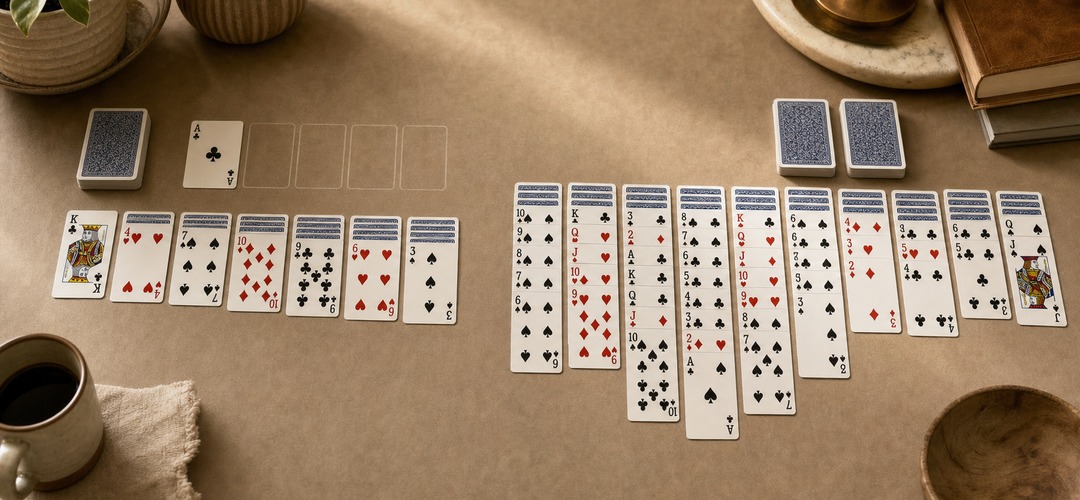
How to Play Solitaire Without Downloading Anything
Getting started with browser-based Solitaire is simple. Follow these steps to begin playing.
Step 1: Open Your Preferred Web Browser
Use a modern browser such as Google Chrome, Mozilla Firefox, Microsoft Edge, or Apple Safari. Make sure it is reasonably up to date for better compatibility and security.
Step 2: Visit a Solitaire Game Website
Choose a website that offers free Solitaire online. Look for a clear interface, easy access to the game, and transparent information about advertisements or optional purchases.
Step 3: Select Your Favorite Solitaire Variation
Choose a game that matches your preferences. Klondike is a popular starting point, while Spider Solitaire and FreeCell offer different types of strategic challenges.
Step 4: Start a New Game
Click the Play or New Game button if required. Most browser-based Solitaire games display the cards automatically and provide instructions for making valid moves.
Step 5: Move Cards and Follow the Rules
Use your mouse to click or drag cards on a computer. On a touchscreen, tap or drag cards with your finger, depending on the game's controls.
Follow the rules of your selected variation to move cards, reveal hidden cards, and complete the objective.
Step 6: Continue Playing or Start Another Round
When you finish a game, choose New Game to begin another round. If the game includes scoring, statistics, or daily challenges, you can use these features to add variety to your sessions.
Popular Solitaire Games You Can Play in Your Browser
One of the best things about playing Solitaire online is the variety of available game modes. Each variation offers a different challenge.
Klondike Solitaire
Klondike Solitaire is the classic version many players recognize. The goal is to build four foundation piles, one for each suit, in ascending order from Ace to King.
In the tableau, cards are generally arranged in descending order with alternating colors. Players draw cards from the stock pile to discover additional moves.
Some versions offer Draw 1 and Draw 3 modes. Draw 1 is generally easier to manage, while Draw 3 requires more careful planning.
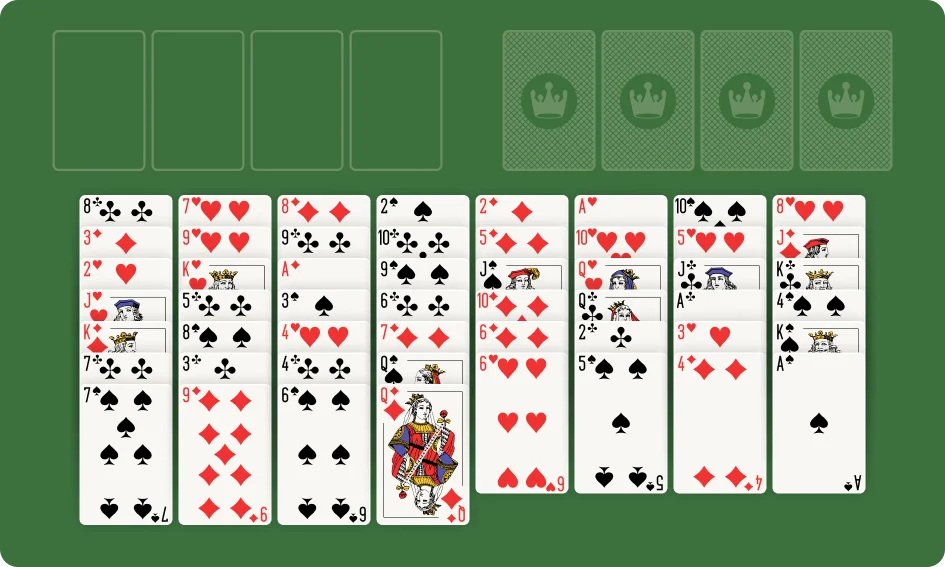
Spider Solitaire
Spider Solitaire challenges players to arrange cards into complete descending sequences from King to Ace. Once a complete same-suit sequence is formed, it can be removed from the tableau.
Depending on the version, you may be able to choose one-suit, two-suit, or four-suit gameplay. One-suit mode is generally more accessible for beginners, while four-suit mode offers a more complex challenge.
FreeCell
FreeCell is a strategy-focused Solitaire game in which most cards are visible from the beginning. Players use four free cells as temporary storage spaces while arranging cards and building foundation piles.
Because the cards are largely visible, success depends heavily on planning and managing available spaces effectively.
Pyramid Solitaire
Pyramid Solitaire uses a pyramid-shaped layout. Players remove pairs of available cards whose ranks add up to 13, with Kings typically removed individually.
This variation offers a different kind of puzzle compared with Klondike and Spider Solitaire.
TriPeaks Solitaire
TriPeaks Solitaire features three overlapping peaks of cards. Players remove available cards that are one rank higher or lower than the current waste card.
The goal is to clear as many cards as possible while managing the stock pile and available moves.
Trying different variations can help you discover which Solitaire style best matches your interests and skill level.
Can You Play Solitaire Without Download on Mobile Devices?
Yes. Many browser-based Solitaire games support smartphones and tablets, allowing you to play without installing a dedicated application.
However, the experience depends on whether the website is optimized for mobile screens.
Features to Look for in Mobile Solitaire
Responsive design: The layout adapts to different screen sizes.
Readable cards: Numbers and suits remain easy to identify.
Touch-friendly controls: Cards can be moved accurately with taps or swipes.
Convenient buttons: Undo, Hint, and New Game options are easy to access.
Smooth performance: Animations and card movements respond without excessive delays.
For the best experience, choose a game that works well in your mobile browser and does not require unnecessary permissions.
Keep in mind that browser-based Solitaire usually requires an internet connection to load the website. Some games may continue working temporarily after loading, but offline support is not guaranteed.
Is Solitaire Without Download Free to Play?
Many browser-based Solitaire games are completely free to access. You can open the website and start playing without purchasing the game or subscribing to a service.
However, free games may use advertisements or offer optional paid features.
Before choosing a website, check whether:
- The main gameplay is available at no cost.
- Popular Solitaire variations are included.
- Important features such as Undo and Hint are free.
- Advertisements interrupt gameplay frequently.
- Optional purchases are clearly explained.
- Account registration is required.
A good free Solitaire website should make its pricing and restrictions easy to understand.
If your goal is simply to enjoy a classic card game, look for a version that offers straightforward access without mandatory payments or unnecessary registration.
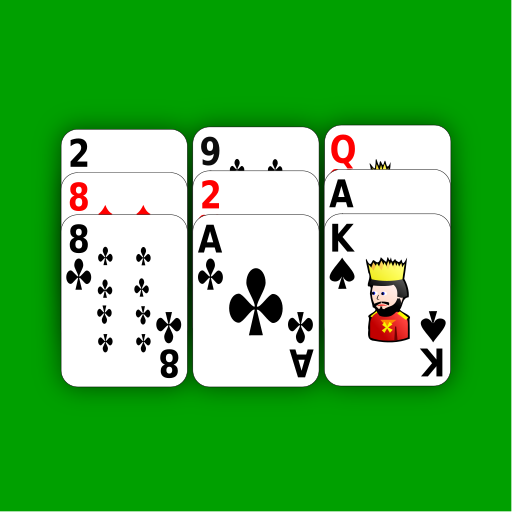
Tips for Choosing the Best Browser-Based Solitaire Game
Not all online Solitaire games offer the same level of quality. Use these tips to find a version that suits your needs.
Choose a Simple Interface
A clean interface makes it easier to focus on card movement and strategy. Avoid games with confusing menus or distracting visual effects.
Check the Available Game Modes
If you enjoy variety, choose a website that offers several Solitaire variations. Multiple difficulty levels can also help you find the right challenge.
Look for Useful Gameplay Features
Undo, Hint, Restart, and score tracking can improve the experience. Beginners may find these tools particularly useful when learning the rules.
Check Mobile Compatibility
If you plan to play on a phone or tablet, make sure the cards are readable and the controls work well on a touchscreen.
Pay Attention to Performance
A good game should load reasonably quickly and respond smoothly to your actions. If a website repeatedly freezes or displays excessive pop-ups, consider another option.
Review Privacy and Security
Choose a trustworthy website and avoid downloading unfamiliar files when you only want to play in a browser. Be cautious about websites that request unnecessary personal details or payment information.
Tips for Enjoying Solitaire Online
Once you have found a suitable game, a few simple habits can make your sessions more enjoyable.
Learn the rules first. Understanding how cards can be moved and how the game is won helps you make better decisions.
Plan before moving cards. Consider how a move will affect your future options, particularly when hidden cards or empty spaces are involved.
Use hints as learning tools. If you are stuck, a Hint button may reveal a possible move. Try to understand why that move is useful rather than relying on hints for every decision.
Explore different variations. If Klondike becomes repetitive, try Spider Solitaire, FreeCell, or another card game.
Play at your own pace. Solitaire can be a casual pastime, so you do not need to focus on speed or scores unless that is part of your preferred playing style.
Take breaks when needed. Short breaks can help keep longer gaming sessions comfortable, especially when playing on a computer or mobile screen.
Is Playing Solitaire in a Browser Safe?
Browser-based Solitaire can be a convenient way to enjoy card games, but it is still important to choose websites carefully.
Use established websites, keep your browser updated, and avoid clicking suspicious advertisements or unexpected download links. If a game claims to work directly in your browser but asks you to install an unfamiliar file, take a moment to check whether the download is actually necessary.
You should also avoid sharing personal or financial information unless there is a clear and legitimate reason.
Many browser-based Solitaire games can be played without an account. Choosing one that requires minimal personal information can make the experience simpler and reduce unnecessary data sharing.
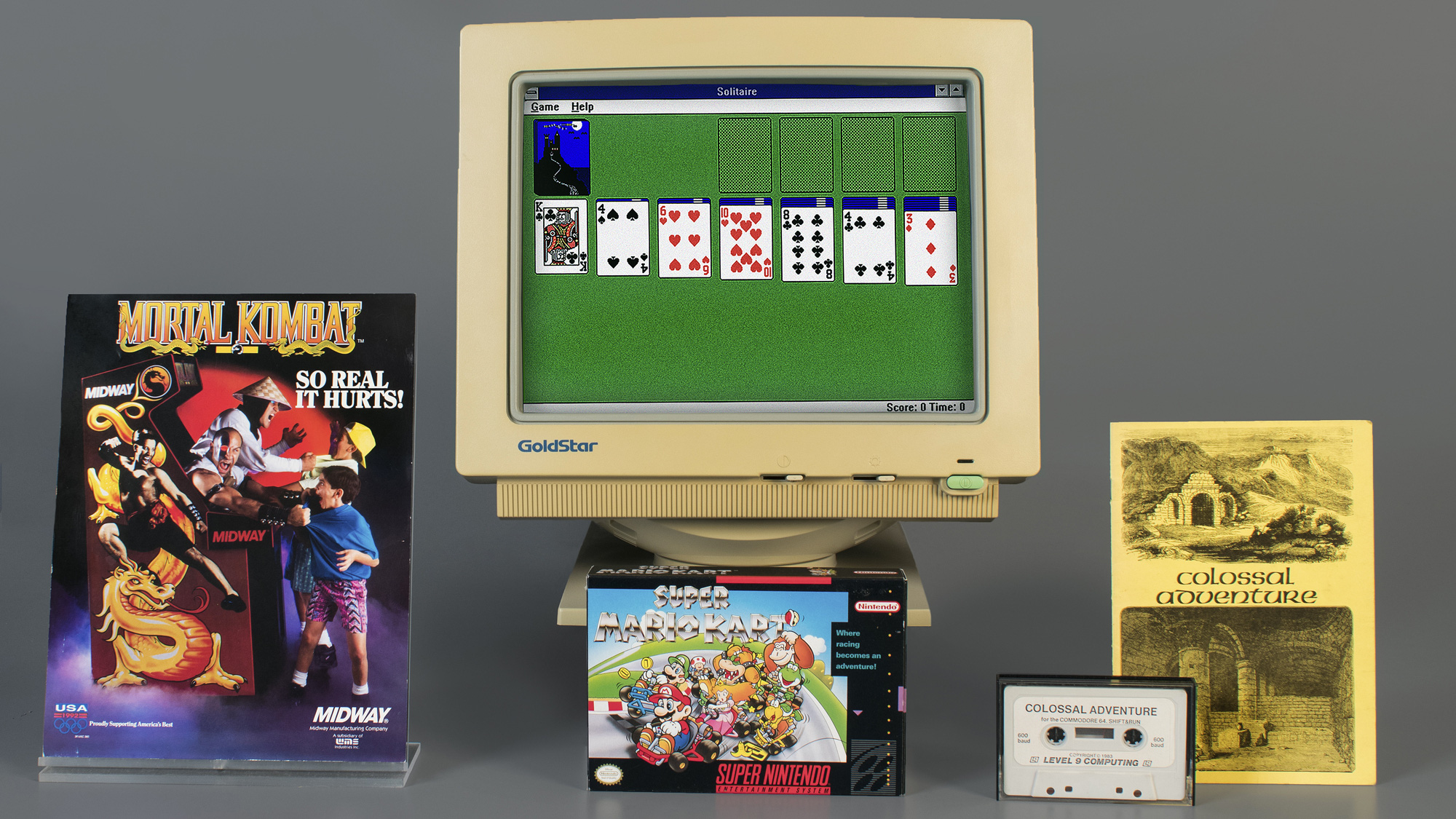
Solitaire without download is a convenient way to enjoy a classic card game directly in your browser. It removes the need for a traditional installation process, saves device storage, and makes it easy to explore different Solitaire variations on compatible computers, smartphones, and tablets.
When choosing an online Solitaire game, look for smooth performance, simple controls, clear graphics, useful gameplay features, and transparent information about advertisements and privacy. You should also consider mobile compatibility and whether the game offers the variations you enjoy most.
Whether you prefer Klondike, Spider Solitaire, FreeCell, or another card game, browser-based Solitaire gives you an easy way to start playing whenever you have free time. Open your favorite Solitaire website, choose a game mode, and enjoy a classic card-playing experience without downloading anything.